A portion guide that reads the photo for you
Portion sizes are where most calorie counts go wrong, because nobody weighs their food at dinner. Mello estimates the portion from your photo, and you nudge it in two taps if it looks off.


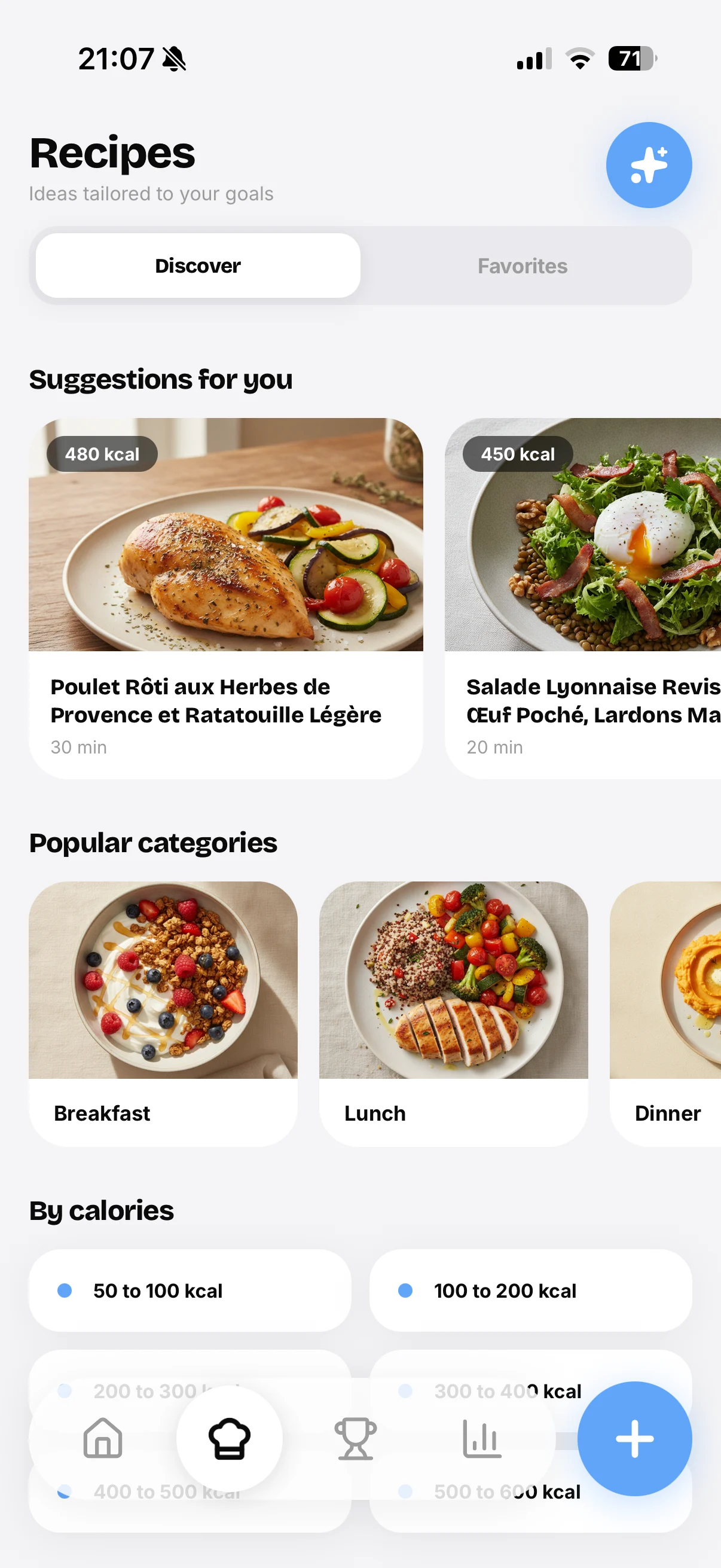
The AI estimates the portion from the picture
Instead of asking you to pick a serving size from a dropdown, Mello looks at how much food is on the plate and estimates from there. A half cup of rice and a heaping bowl read differently, and the photo carries that information. You start from a real estimate of what you actually served yourself, not a generic serving the app guessed for everyone.
Adjust in two taps, no scale required
A photo cannot weigh food, so the estimate will not always nail it. That is fine. If the portion looks too big or too small, you drag it up or down in two taps and the calories follow. No kitchen scale, no measuring cups, no math. It is the speed of eyeballing it with a number attached, which is what most people need day to day.
Made for small GLP-1 appetites
On a GLP-1 medication, a standard serving is often way more than you eat. You take a few bites and you are full. Fixed serving sizes get this badly wrong and quietly overstate your intake. Because Mello starts from the photo and lets you scale the portion down fast, your log reflects the small amounts you actually eat, which matters when you are trying to hit protein without forcing food.
Questions and answers
How does it know my portion size?
It estimates from the photo, reading roughly how much food is on the plate. It is an estimate, not a weight, so you can adjust it if your serving was bigger or smaller than it looks.
Do I still need a kitchen scale?
No. The point is to skip the scale. You get a photo-based estimate and fine-tune the portion in two taps if needed.
Is this useful on GLP-1?
Yes. Small appetites make standard servings misleading. Starting from the photo and scaling down keeps your intake realistic on days you barely eat.